Activities/Turtle Art/Galleries: Difference between revisions
< Activities | Turtle Art
No edit summary |
|||
| (11 intermediate revisions by 2 users not shown) | |||
| Line 1: | Line 1: | ||
== | ==Galleries== | ||
Play with Turtle Art to draw colorful art patterns using a turtle that accepts instructions for movement. | Play with Turtle Art to draw colorful art patterns using a turtle that accepts instructions for movement. | ||
| Line 6: | Line 6: | ||
<gallery> | <gallery> | ||
File:TA- | File:TA-appspot.png|http://turtleartsite.appspot.com | ||
File:TA-org.png|http://turtleart.org | |||
File:TA- | |||
</gallery> | </gallery> | ||
{{:Activities/Turtle Art/Gallery}} | |||
Latest revision as of 20:39, 17 July 2013
Galleries
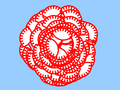
Play with Turtle Art to draw colorful art patterns using a turtle that accepts instructions for movement.
With visual programming blocks, you can snap together programs by compiling (combining) them in ways to create anything you can imagine.


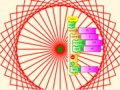
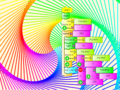
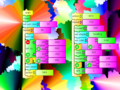
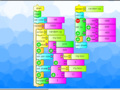
Graphics
-
-
-
-
-
-
-
-
-
-
-
-
-
-
-
-
-

-
-
-
-
-
-
-
-
-
-
-
-
-

-
-
-
-
-
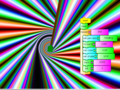
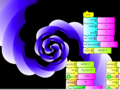
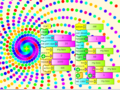
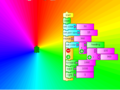
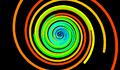
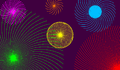
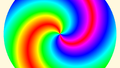 color-wheel swirl (jboisture)
 -
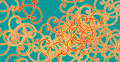
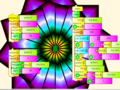
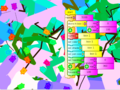
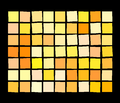
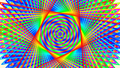 David's design (David Morris)
 -
 triangulation (Colette)
 -
-
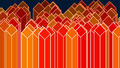
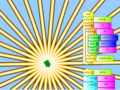
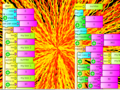
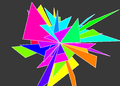
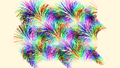 fireworks (jboisture)
 -
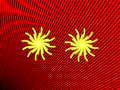
-
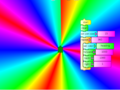
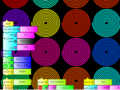
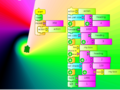
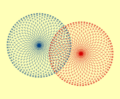
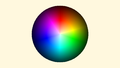 color wheel with shade (jboisture)
 -
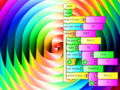
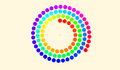
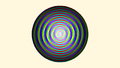 color wheel riff (jboisture)
 -
-
-
-
-
-

-
-
-


Media
-
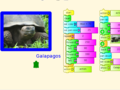 my elder cousin
 -
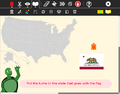
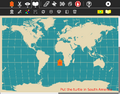
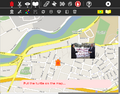 putting images on a map


Maths
-
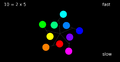
-
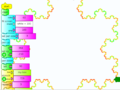
-
-
-
-
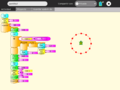
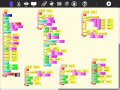 Calculating the hypotenuse and approximating the angle of a right triangle
 -
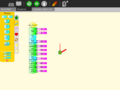
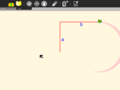 Stepping through the program is a nice way to visualize the process of approximation
 -
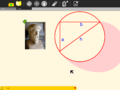 The final result of the approximation. Pythagoras
 -
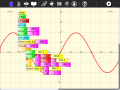 And on-the-fly function definitions
 -
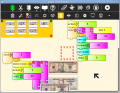 Currency (using File:US-currency.tar.gz)
 -
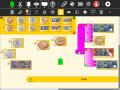 Currency including coins (using File:Oz-currency.tar.gz)
 -
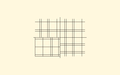 graph paper (jelkner)
 -
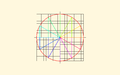 unit circle (jboisture)


-
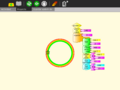 A clock activity
 -
-
-
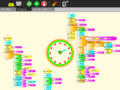


Tony Forster describes his "adventures" with on-the-fly definitions to create an analog clock in his blog.
Try any of the time or math library functions, e.g.,
localtime().tm_min
sin(x) + sin(pi/2)
Sensors
Turtle Art supports sensor input:
-
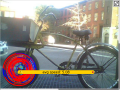 Using a Hall-effect sensor, you can build a bike odometer in Turtle Art
 -
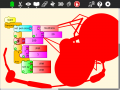 sound paint Capturing mouse events and using audio to set the pen width
 -
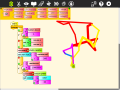 Reading data from multiple sensors (XO hardware only)
 -
 love speaks volumes A heart that beats according to sensor input


More ideas for sensors [[2]] [[3]]
Games
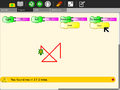
Turtle Art can be used to write games, such as a simple falling block game:
-
-
-
 Space invaders
 -
-
-
-
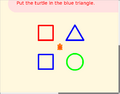
-
![Jul-Gonu game[1]](/images/thumb/7/7c/Gonu-game.png/120px-Gonu-game.png)


![Jul-Gonu game[1]](/go/File:Gonu-game.png)
Presentations


Student work
Students from Caacupé have been sending me examples of their work:
-
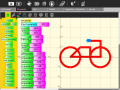 Eduado Fabian Ayala Vargas
 -
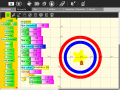 Johana Soeli Aquino
 -
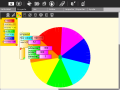 Ivan Silva
 -
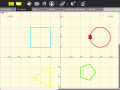 Rodrigo Nicolas Valdéz Bobadilla
 -
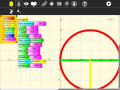 Juan Pablo Espinola Carballo
 -
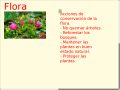 Miguela


Just for fun
-
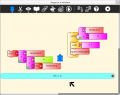 Q: How do I cast keyboard input to a string? A: Use chr().
 -
-
-


Turtle Art Day 2013
More features
-
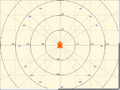 Cartesian and polar coordinate grids
 -
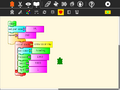 Collapsible stack
 -
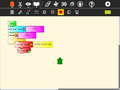 Collapsed stack
 -
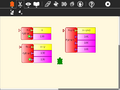 Python function with one, two, or three variables
 -
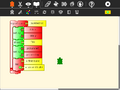 Expandable bullet list (two bullets)
 -
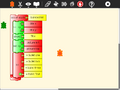 Expandable bullet list (four bullets)
 -
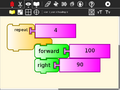 Enlarged blocks
 -
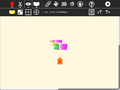 Shrunken blocks
 -
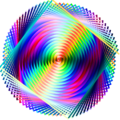 SVG output using the save SVG block
 -
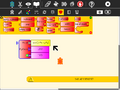 Multi-variable Python blocks
 -
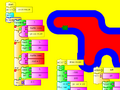 Turtle 'sees'


