Sugar on a Stick/Downloads: Difference between revisions
mNo edit summary |
No edit summary |
||
| Line 8: | Line 8: | ||
* any recent notebook or computer that can run Linux, Windows or macOS, using a USB thumbdrive or stick, as a [[wikipedia:Live USB|Live USB]], | * any recent notebook or computer that can run Linux, Windows or macOS, using a USB thumbdrive or stick, as a [[wikipedia:Live USB|Live USB]], | ||
* a Raspberry Pi 2 or 3, using a microSD card<!-- it is not a Live system, but an installed system-->, or; | * a Raspberry Pi 2 or 3, using a microSD card<!-- it is not a Live system, but an installed system-->, or; | ||
* as a virtual machine. | * any computer as a virtual machine. | ||
You can use Sugar on a Stick to demo Sugar almost anywhere without disturbing the contents of the computer you use, and if people like what they see, you can [[Tutorials/Installation/Install with liveinst|install]] Sugar on a Stick to their hard drives or other sticks from the demo stick. | You can use Sugar on a Stick to demo Sugar almost anywhere without disturbing the contents of the computer you use, and if people like what they see, you can [[Tutorials/Installation/Install with liveinst|install]] Sugar on a Stick to their hard drives or other sticks from the demo stick. | ||
Revision as of 23:41, 9 August 2017
Project Home · Get Involved · Contacts · Resources · FAQ · Roadmap · To Do · Meetings
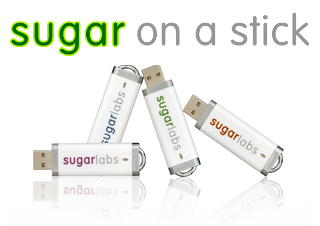 |
Sugar on a Stick is a Fedora® Spin operating system featuring the award-winning Sugar Learning Platform.
Sugar on a Stick will run on
You can use Sugar on a Stick to demo Sugar almost anywhere without disturbing the contents of the computer you use, and if people like what they see, you can install Sugar on a Stick to their hard drives or other sticks from the demo stick. Our most recent version of Sugar on a Stick was released on 11 July 2017 with Fedora 26. | |
|
| ||
|
| ||
|
| ||
|
See also;
| ||
|
See the Spins download page
|
Fedora 25 Live Respins are like the official release but with officially updated Fedora components.
| |

Fedora and the Infinity design logo are trademarks of Red Hat, Inc.