File list
This special page shows all uploaded files.


| Date | Name | Thumbnail | Size | User | Description | Versions |
|---|---|---|---|---|---|---|
| 00:40, 21 March 2014 | Glppscreen 1.png (file) |  |
32 KB | Gabriel p (talk | contribs) | 1 | |
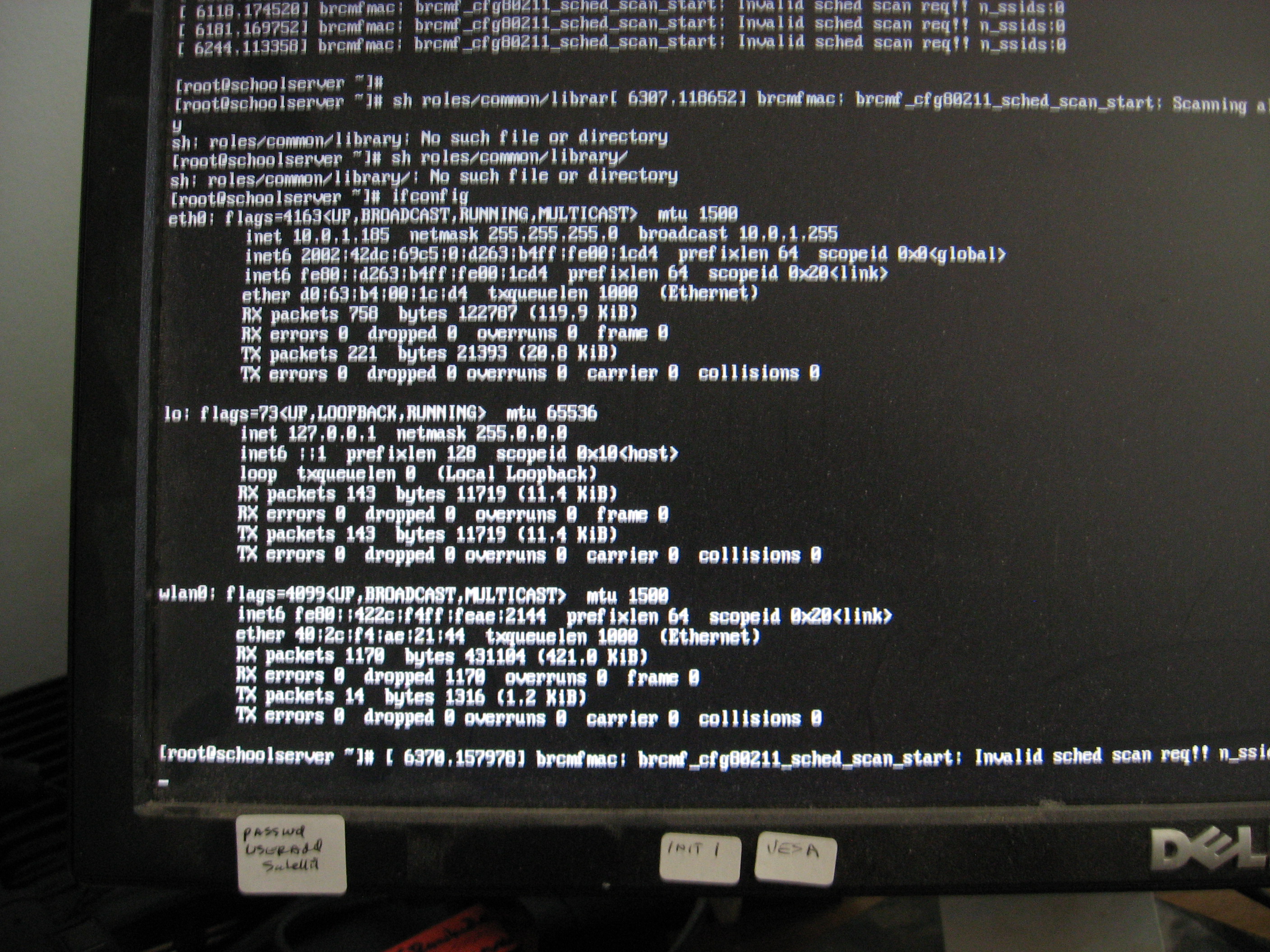
| 19:33, 20 March 2014 | Schoolserver-ifconfig.JPG (file) |  |
1.93 MB | Satellit (talk | contribs) | 1 | |
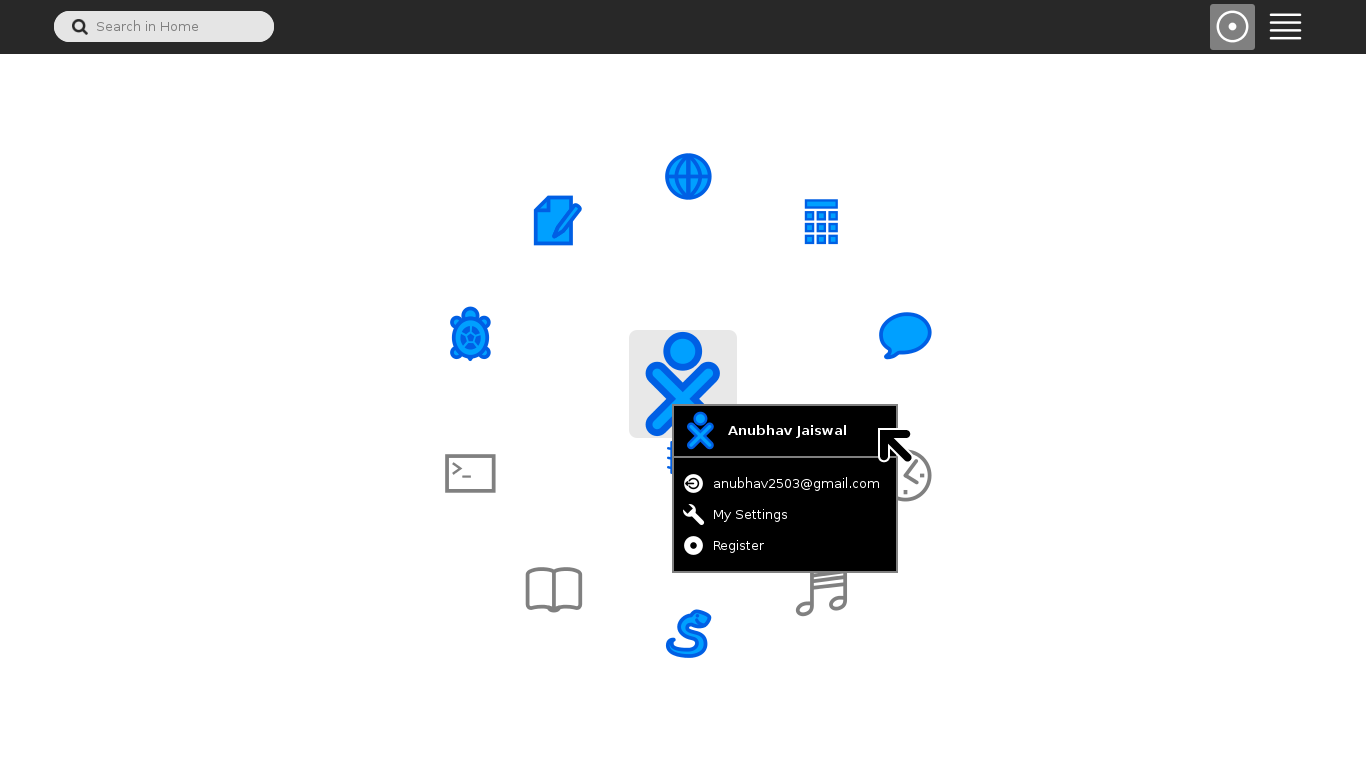
| 16:17, 20 March 2014 | AnubhavJ screenshot.png (file) |  |
43 KB | AnubhavJ (talk | contribs) | 2 | |
| 14:22, 20 March 2014 | Cordova - New Page.jpeg (file) |  |
141 KB | Gp94 (talk | contribs) | 1 | |
| 14:21, 20 March 2014 | Old to new - New Page.jpeg (file) |  |
100 KB | Gp94 (talk | contribs) | 1 | |
| 14:18, 20 March 2014 | Flow - New Page.jpeg (file) |  |
120 KB | Gp94 (talk | contribs) | 1 | |
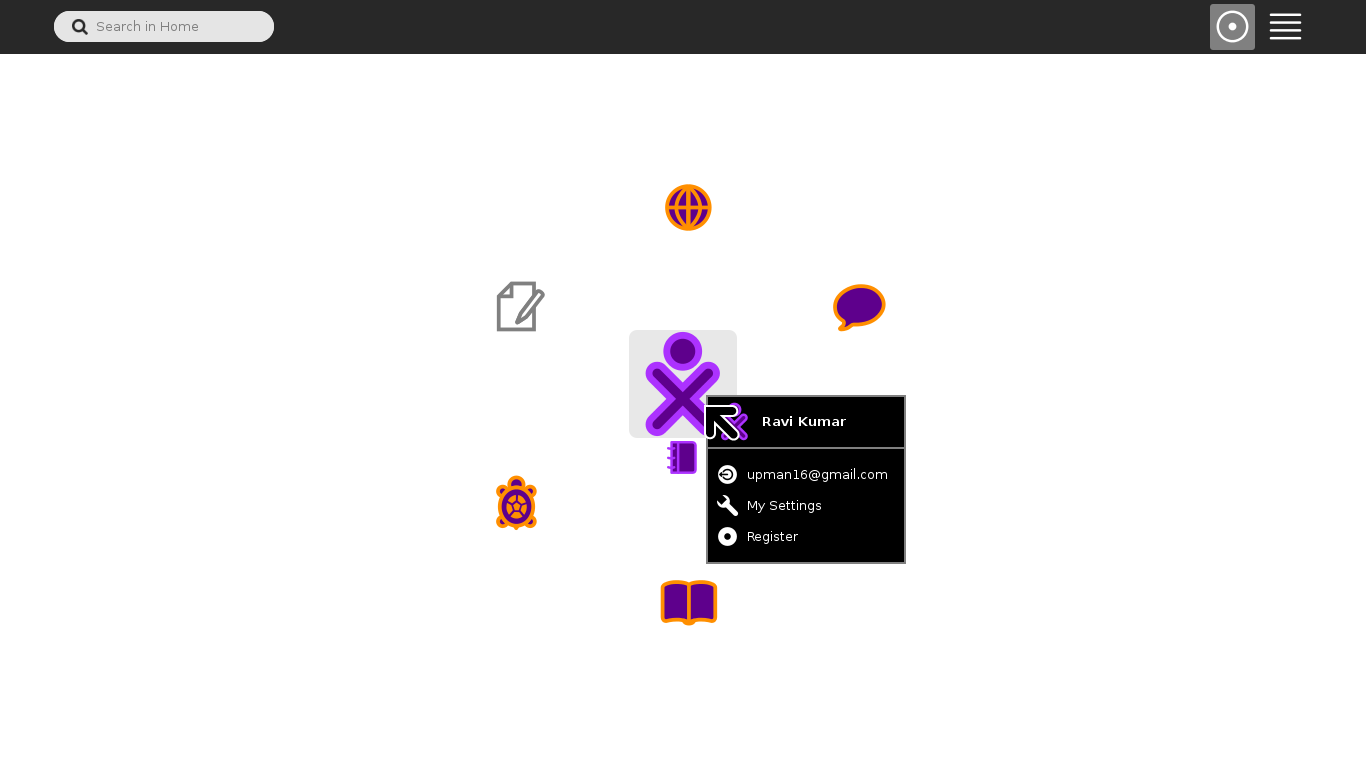
| 15:28, 19 March 2014 | Sugar running scrshot.png (file) |  |
37 KB | Ravi Kumar (talk | contribs) | A proof of a running sugar development environment. (required for a GSoC proposal) | 1 |
| 13:47, 19 March 2014 | IMG-20140319-WA0000.jpg (file) |  |
17 KB | KamalKaur (talk | contribs) | 2 | |
| 12:42, 19 March 2014 | Screenshot from 2014-03-19 16-07-52.png (file) |  |
35 KB | KamalKaur (talk | contribs) | Sugar-Labs home page | 1 |
| 08:39, 19 March 2014 | Screenshot smagnin.png (file) |  |
33 KB | Smagnin (talk | contribs) | 1 | |
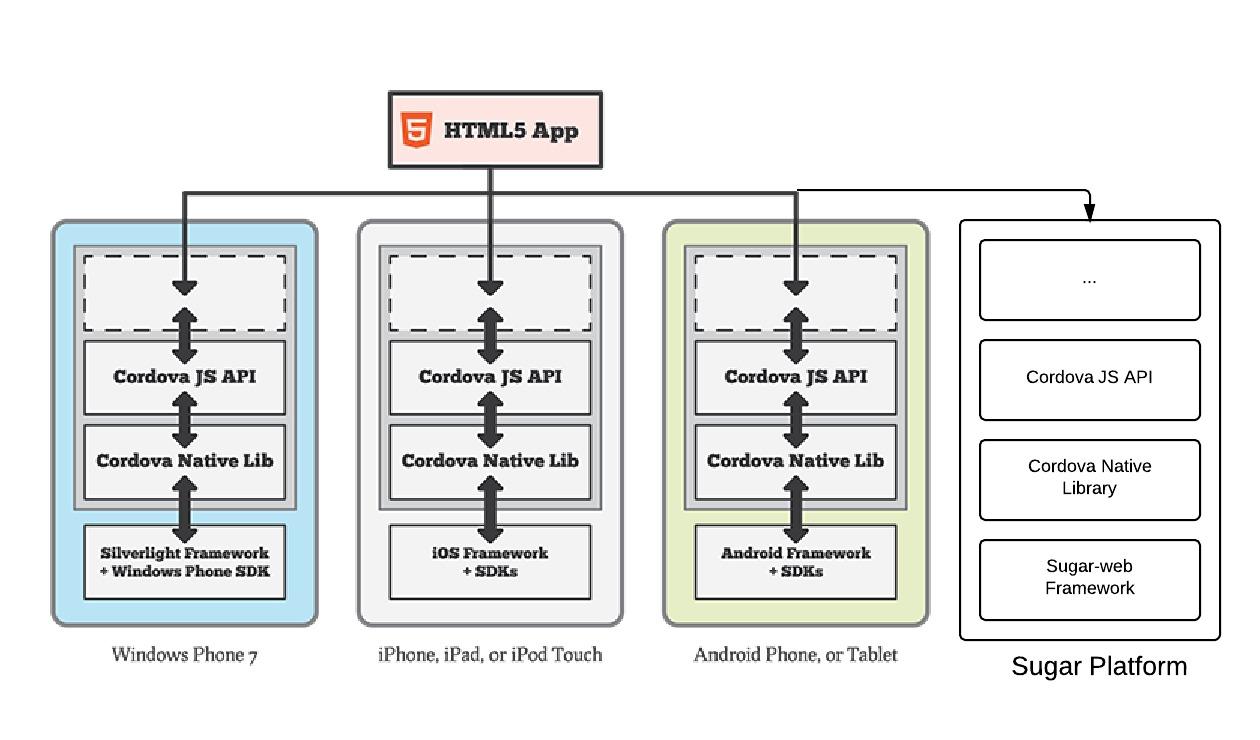
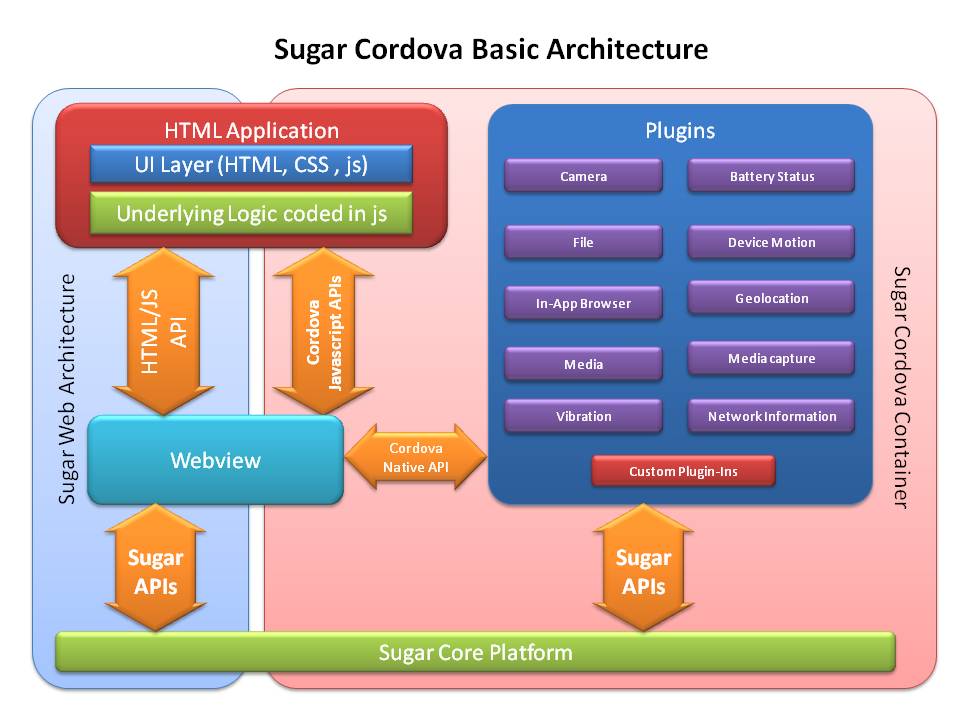
| 14:58, 18 March 2014 | Sugar cordova architecture.jpg (file) |  |
72 KB | Puneet Kaur (talk | contribs) | 2 | |
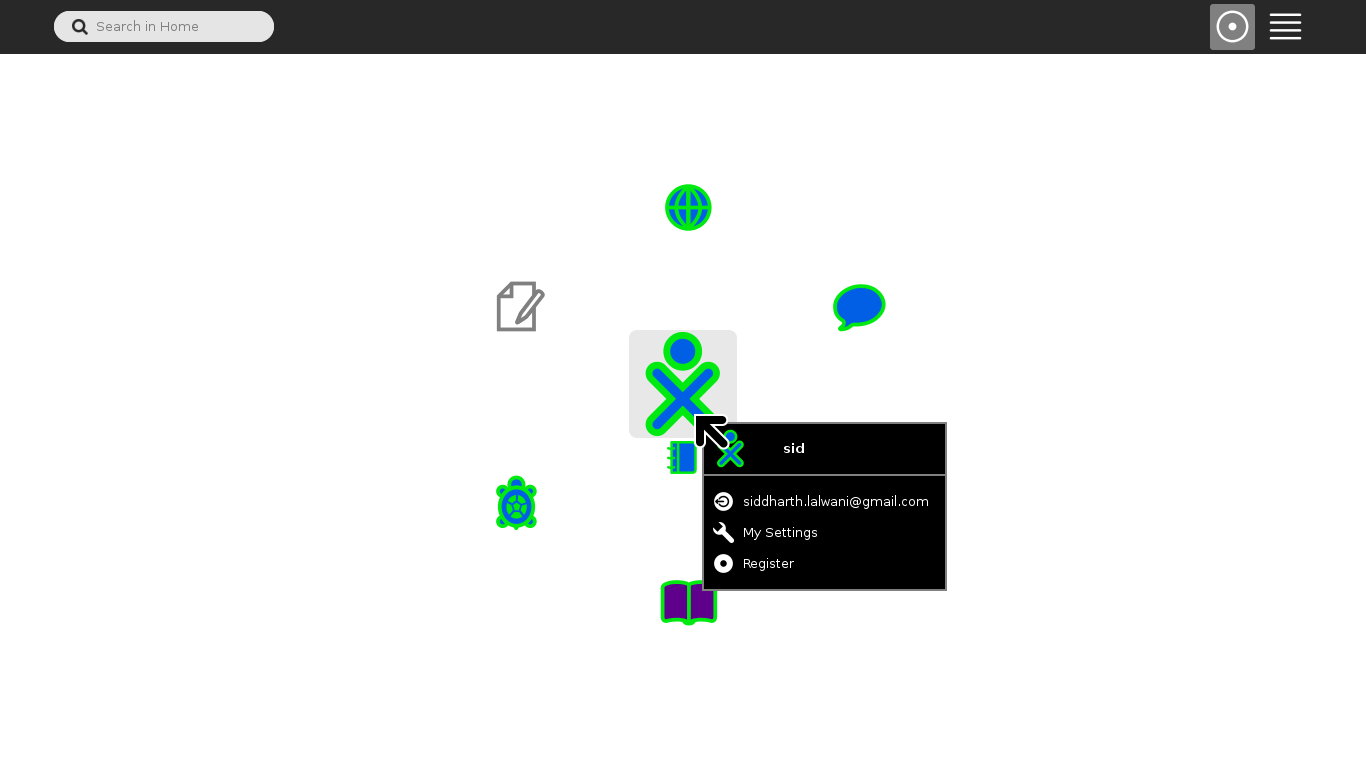
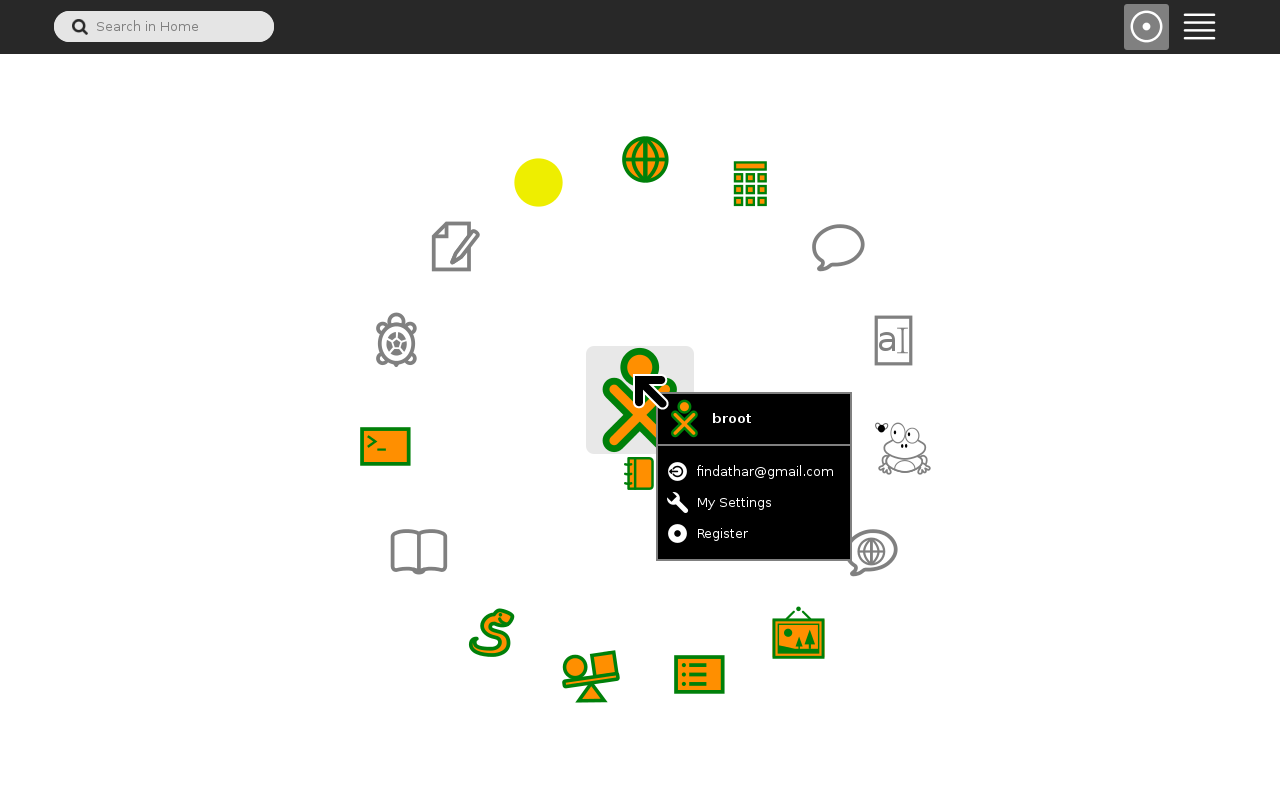
| 13:09, 18 March 2014 | Sugar home.png (file) |  |
33 KB | Bliss-sid (talk | contribs) | 1 | |
| 06:01, 18 March 2014 | Why is cordova neccesary.jpg (file) |  |
79 KB | Puneet Kaur (talk | contribs) | 1 | |
| 05:50, 18 March 2014 | Cordova Html application on different platforms.jpg (file) |  |
49 KB | Puneet Kaur (talk | contribs) | 1 | |
| 05:01, 18 March 2014 | Cordova applications run on different platforms.png (file) |  |
68 KB | Puneet Kaur (talk | contribs) | 1 | |
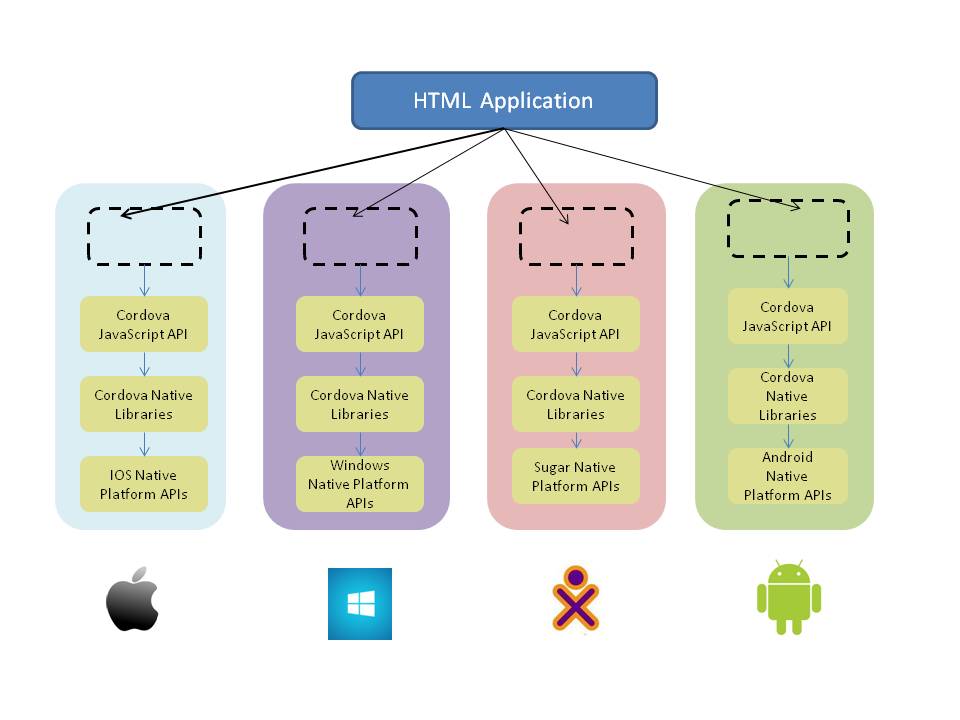
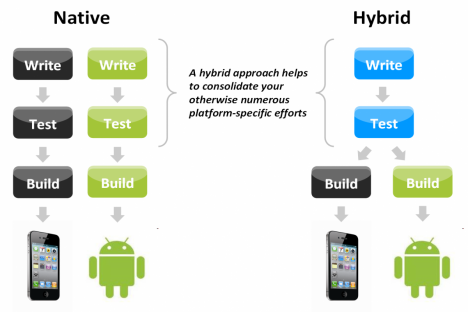
| 04:36, 18 March 2014 | HTML applicaton over cordova.jpg (file) |  |
21 KB | Puneet Kaur (talk | contribs) | This figure shows that how building the html application over cordova reduces the work of the developers as they can easily port from one platform to another. | 1 |
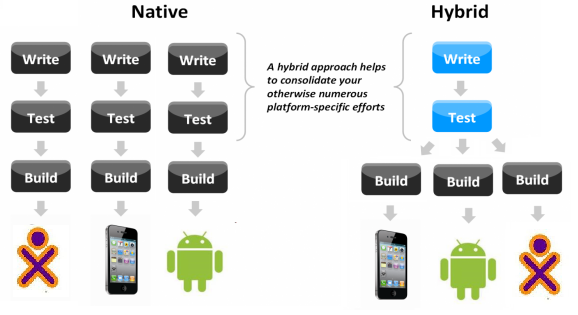
| 04:28, 18 March 2014 | Hybrid design approach 0.png (file) |  |
59 KB | Puneet Kaur (talk | contribs) | 1 | |
| 20:58, 17 March 2014 | Desktop1.png (file) |  |
56 KB | Native (talk | contribs) | 1 | |
| 20:57, 17 March 2014 | F20forXSCE.JPG (file) |  |
1.62 MB | Satellit (talk | contribs) | 1 | |
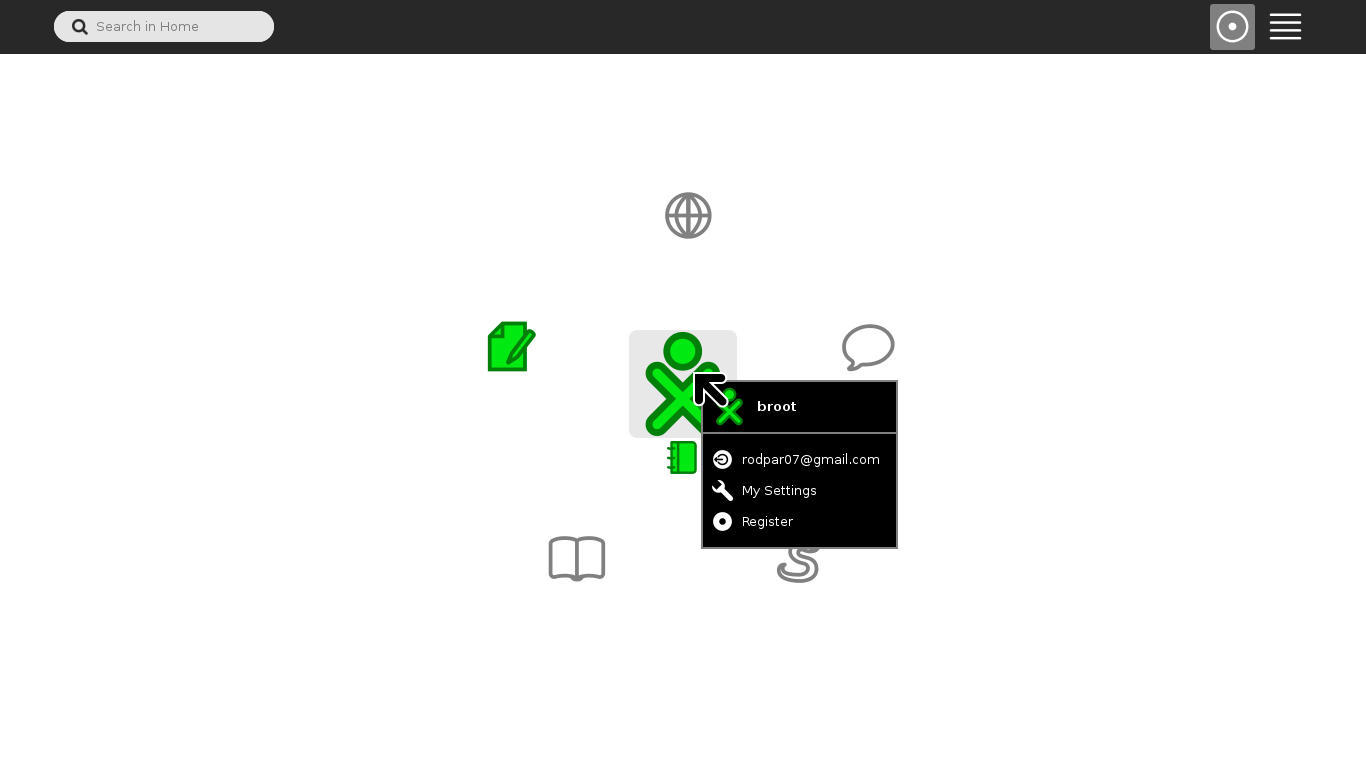
| 17:09, 17 March 2014 | Rparra-screenshot.png (file) |  |
32 KB | Rparra (talk | contribs) | 1 | |
| 12:49, 17 March 2014 | Mamecontrolls.jpg (file) |  |
6 KB | TravisI (talk | contribs) | 2 | |
| 12:46, 17 March 2014 | SugarLabArt-800x217.png (file) |  |
130 KB | TravisI (talk | contribs) | Travis Irby Example Picture board mockups for PECS Google 2014 summer of code proposal. | 1 |
| 12:01, 17 March 2014 | Screenshot-png.jpg (file) |  |
37 KB | Curiousguy13 (talk | contribs) | 2 | |
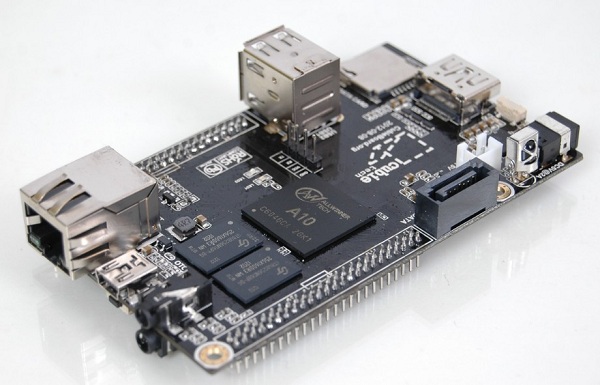
| 11:30, 16 March 2014 | Cubieboard1.jpg (file) |  |
71 KB | Satellit (talk | contribs) | 1 | |
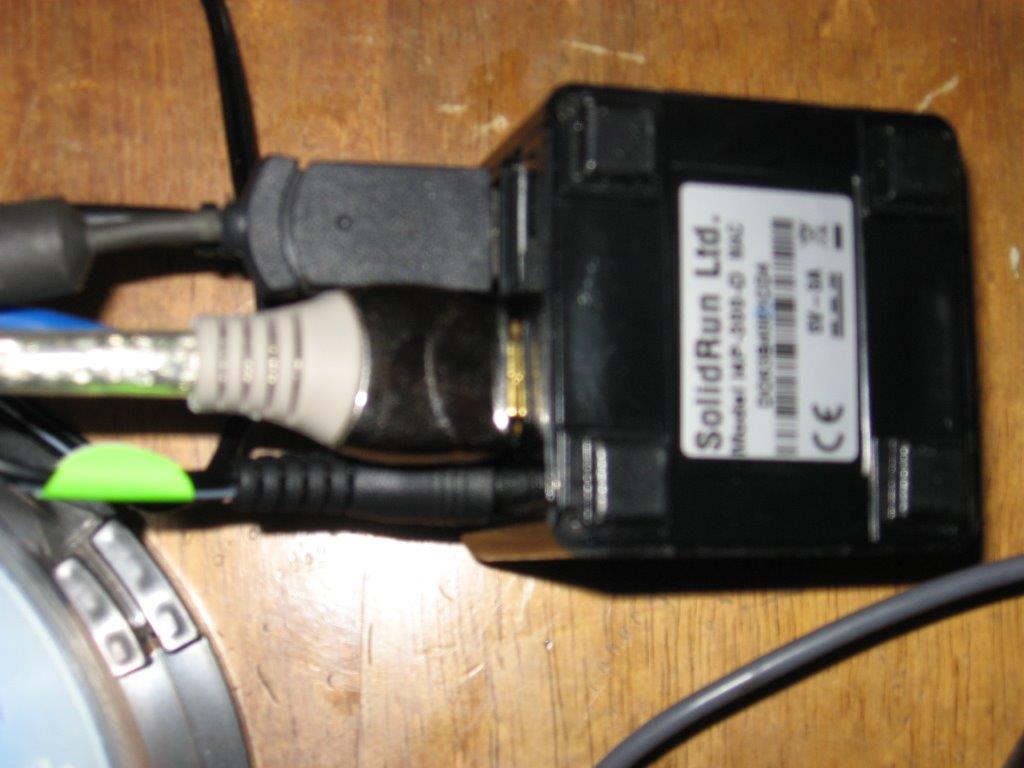
| 05:47, 16 March 2014 | Solidrun Cubox-i4.jpg (file) |  |
77 KB | Satellit (talk | contribs) | 1 | |
| 05:35, 16 March 2014 | XSCE1.jpg (file) |  |
140 KB | Satellit (talk | contribs) | 1 | |
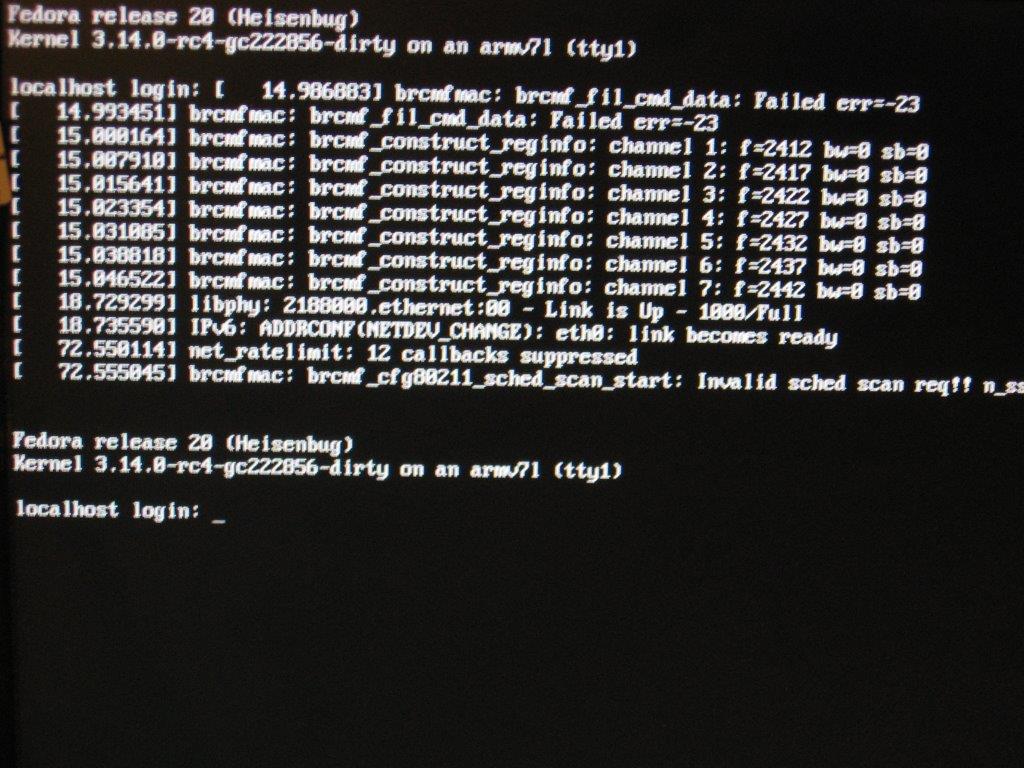
| 05:30, 16 March 2014 | FC20Base2.jpg (file) |  |
122 KB | Satellit (talk | contribs) | FC20Base2.img running on a Solidrun Cubibox-i4P-300-D Base f20 install on a microSD | 1 |
| 12:43, 15 March 2014 | Social help window.png (file) |  |
33 KB | AnaBalica (talk | contribs) | Social Help design | 1 |
| 12:41, 15 March 2014 | Screenshot sugar2.png (file) |  |
56 KB | AnaBalica (talk | contribs) | Social Sugar window within TurtleArt activity | 1 |
| 12:35, 15 March 2014 | Screenshot sugar1.png (file) |  |
21 KB | AnaBalica (talk | contribs) | Social Help window | 1 |
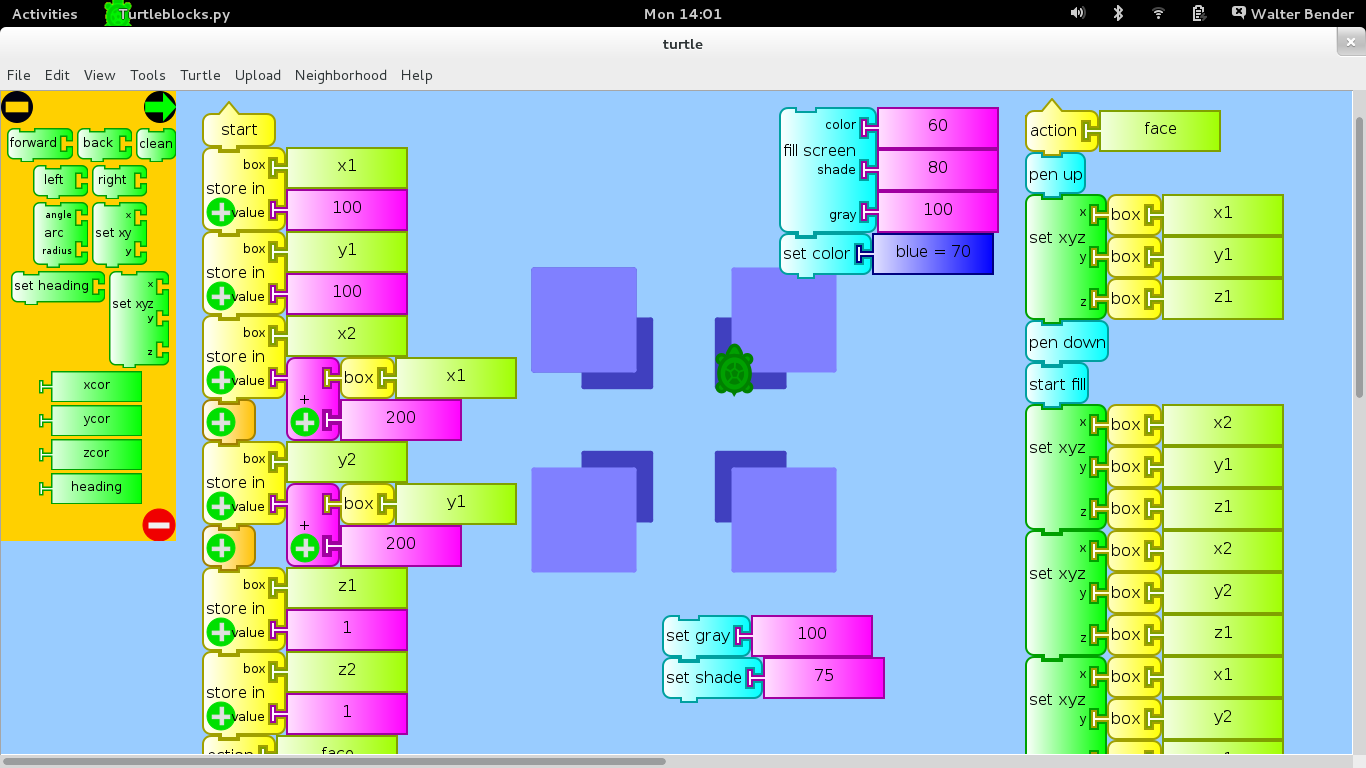
| 13:00, 13 March 2014 | Puneet kaur sugar development environment setup.jpg (file) |  |
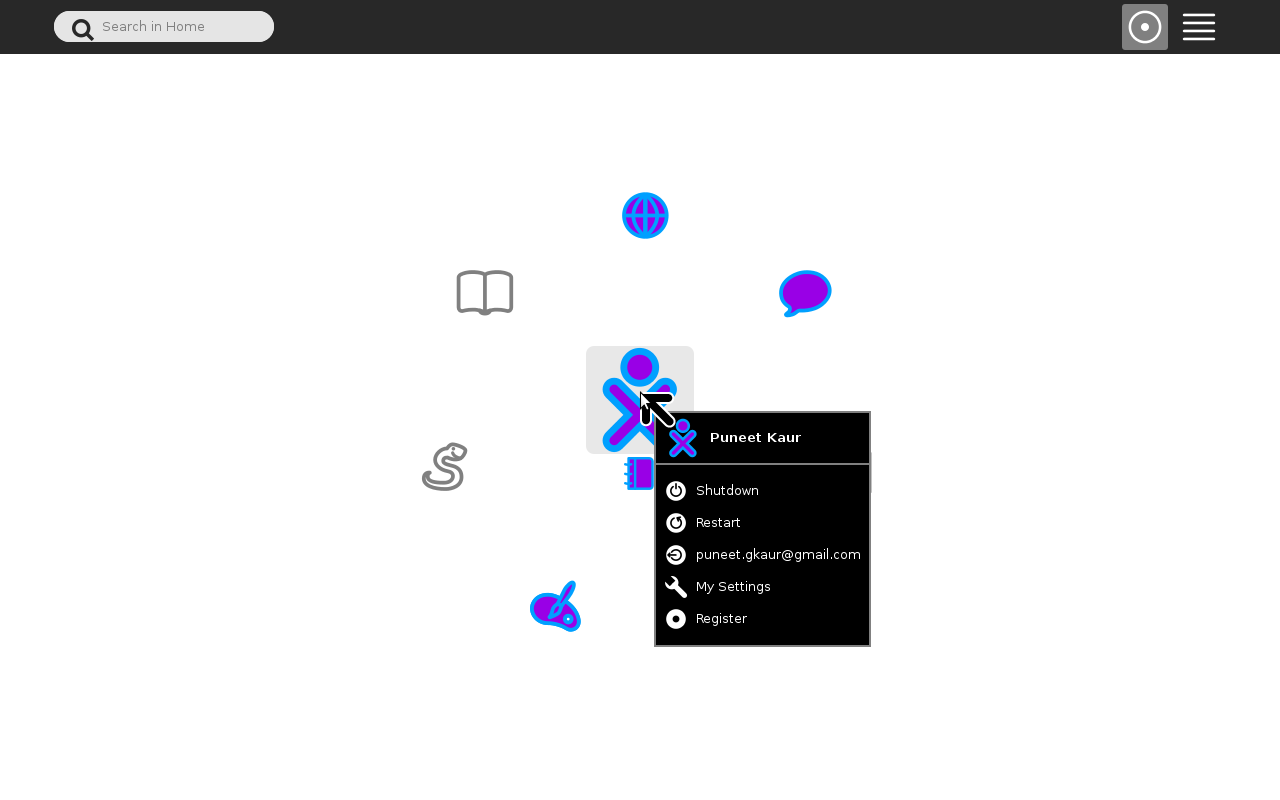
38 KB | Puneet Kaur (talk | contribs) | 2 | |
| 07:28, 12 March 2014 | Sugar req.png (file) |  |
55 KB | Gp94 (talk | contribs) | 1 | |
| 17:06, 10 March 2014 | Platipy-thumb.png (file) |  |
9 KB | Acbart (talk | contribs) | This is the icon for the [platipy.org "Platipy"] project. | 1 |
| 14:54, 10 March 2014 | Pyfuntop.stp (file) |  |
574 bytes | Godiard (talk | contribs) | 1 | |
| 14:51, 10 March 2014 | Pyfuntime.stp (file) | |
418 bytes | Godiard (talk | contribs) | Systemtap probe to show time spend in every function | 1 |
| 12:55, 5 March 2014 | Language-country.png (file) |  |
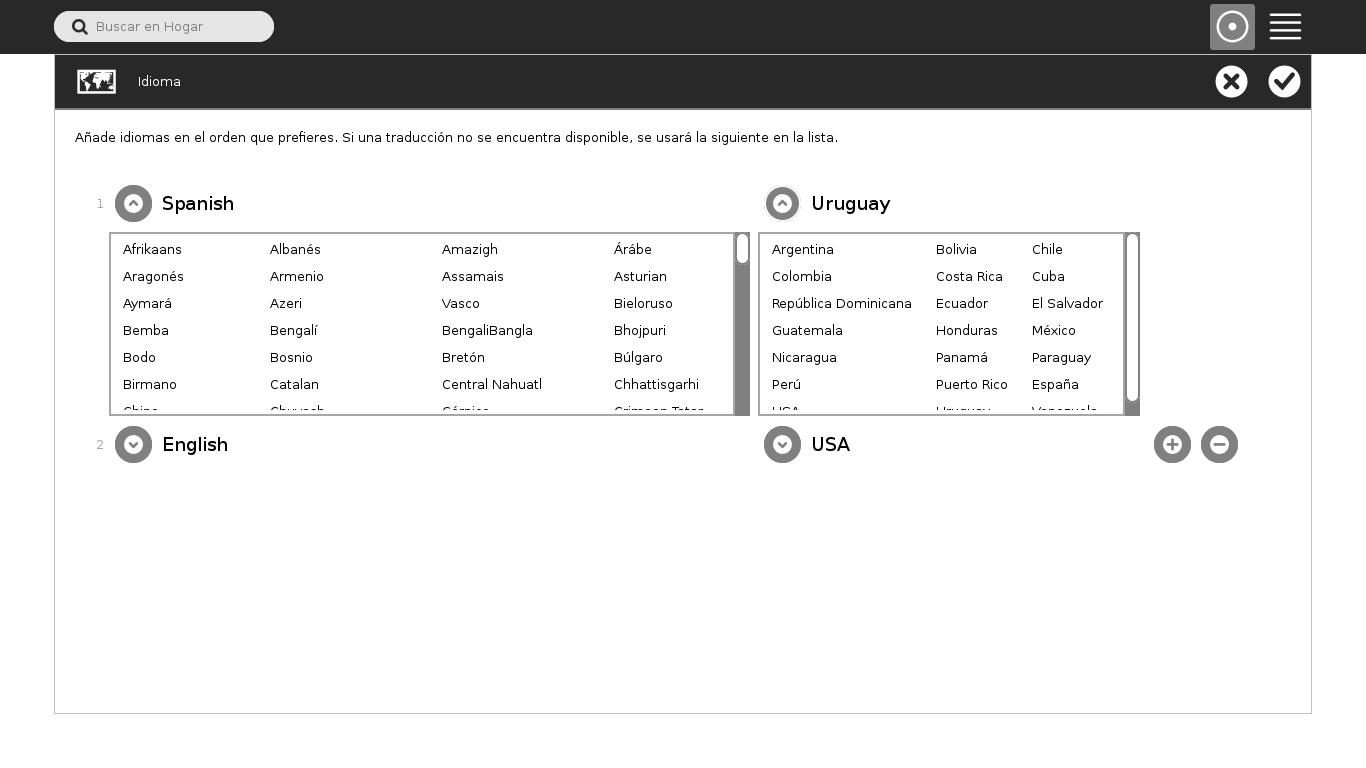
43 KB | Walter (talk | contribs) | 2 | |
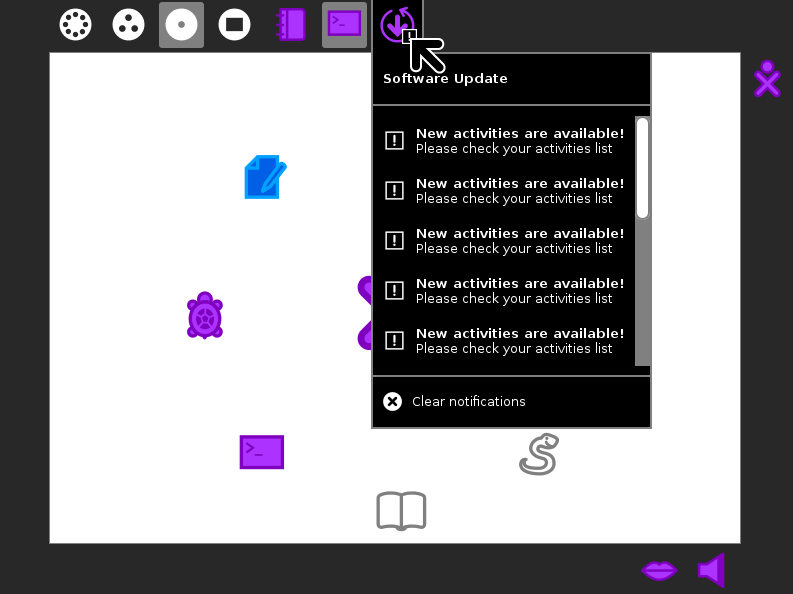
| 07:11, 5 March 2014 | Notifications-006.png (file) |  |
36 KB | Tch (talk | contribs) | 2 | |
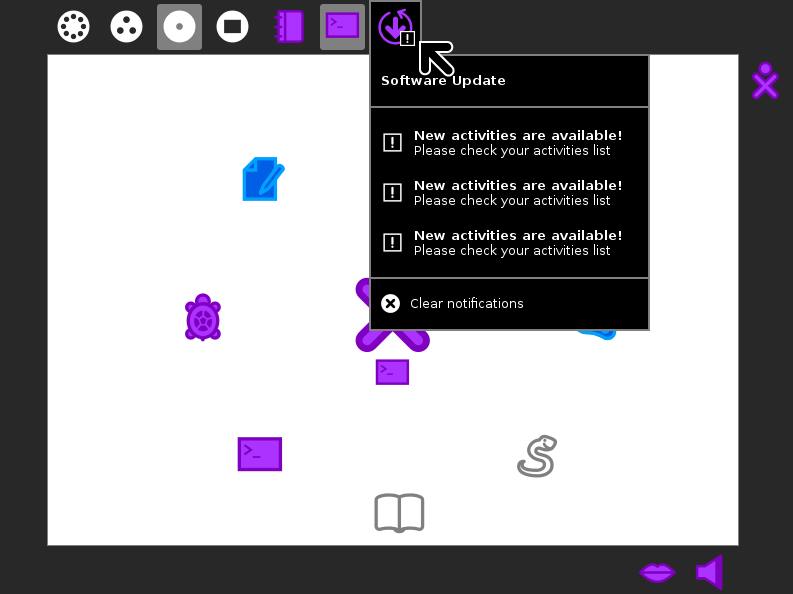
| 06:14, 5 March 2014 | Notifications-005.png (file) |  |
45 KB | Tch (talk | contribs) | 1 | |
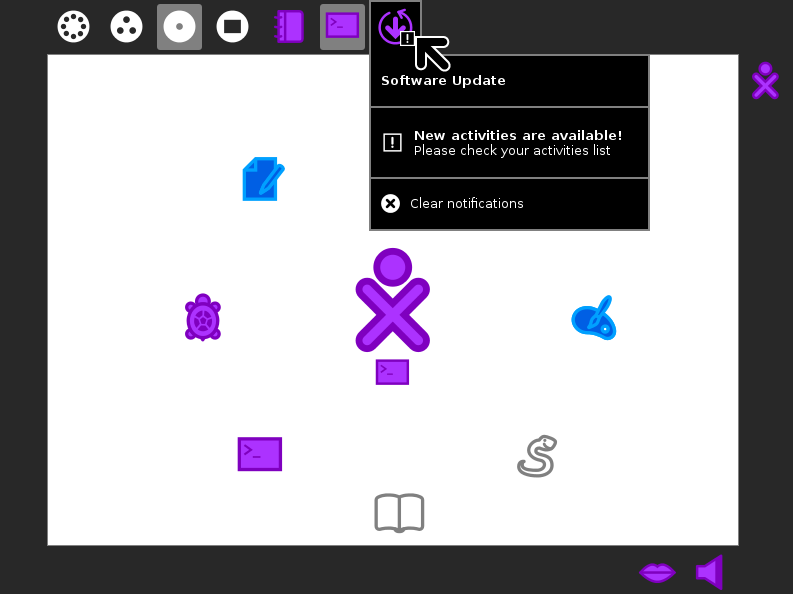
| 06:14, 5 March 2014 | Notifications-004.png (file) |  |
39 KB | Tch (talk | contribs) | 1 | |
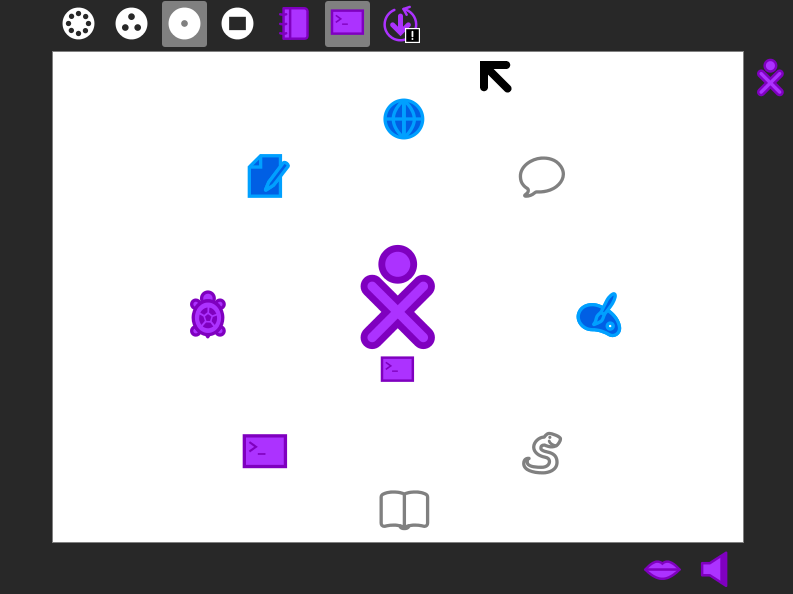
| 06:14, 5 March 2014 | Notifications-003.png (file) |  |
37 KB | Tch (talk | contribs) | 1 | |
| 06:13, 5 March 2014 | Notifications-002.png (file) |  |
33 KB | Tch (talk | contribs) | 1 | |
| 06:12, 5 March 2014 | Notifications-001.png (file) |  |
28 KB | Tch (talk | contribs) | 1 | |
| 18:47, 4 March 2014 | Language-language.png (file) |  |
40 KB | Walter (talk | contribs) | 1 | |
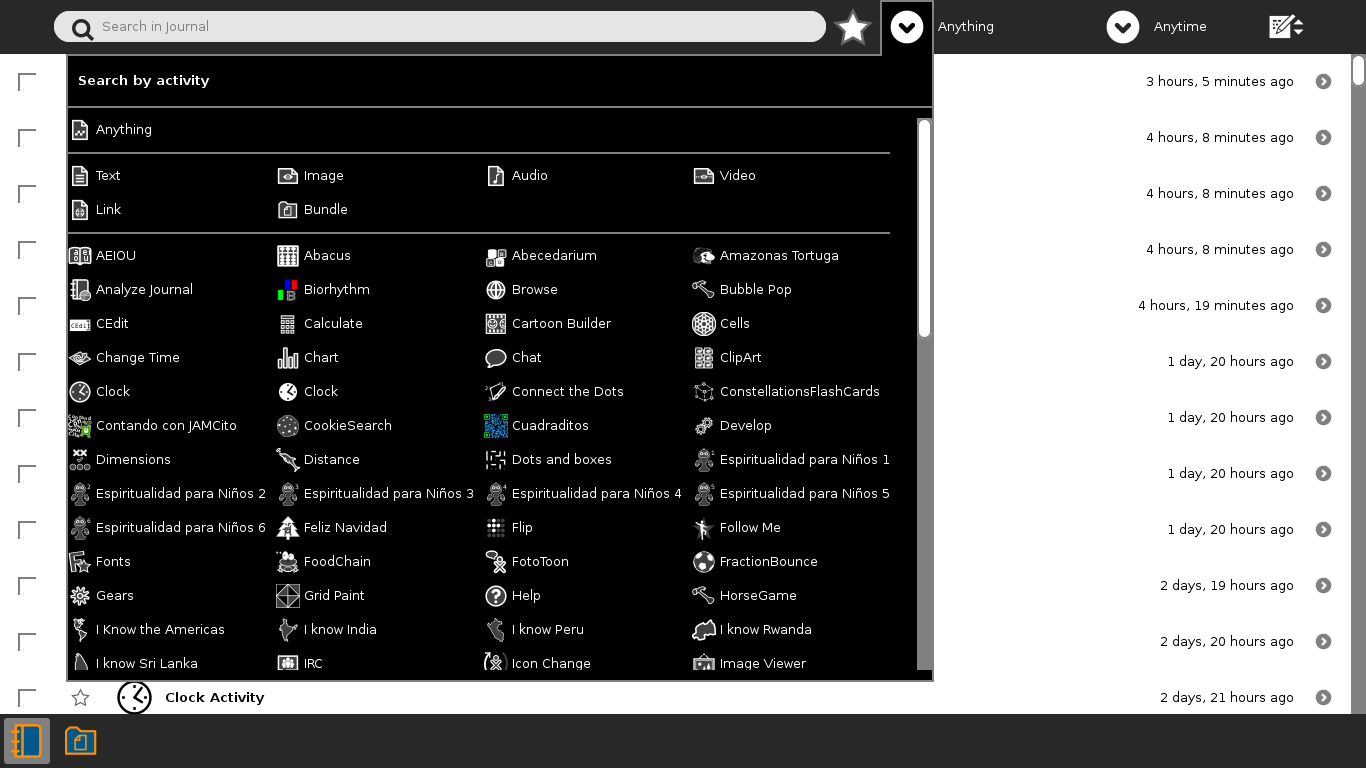
| 18:16, 27 February 2014 | Journal-filters.png (file) |  |
5 KB | Walter (talk | contribs) | 2 | |
| 10:43, 18 February 2014 | Journal-what-palette-manuq.png (file) |  |
46 KB | Walter (talk | contribs) | 1 | |
| 14:03, 17 February 2014 | Turtle-3d.png (file) |  |
140 KB | Walter (talk | contribs) | 2 | |
| 12:53, 17 February 2014 | Journal-what-palette.png (file) |  |
116 KB | Walter (talk | contribs) | 2 | |
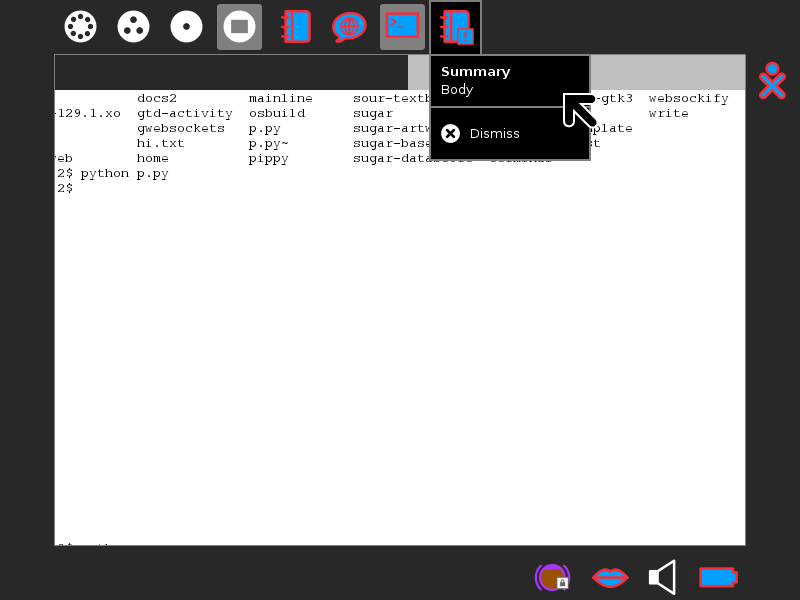
| 17:04, 14 February 2014 | System notificaton frame.png (file) |  |
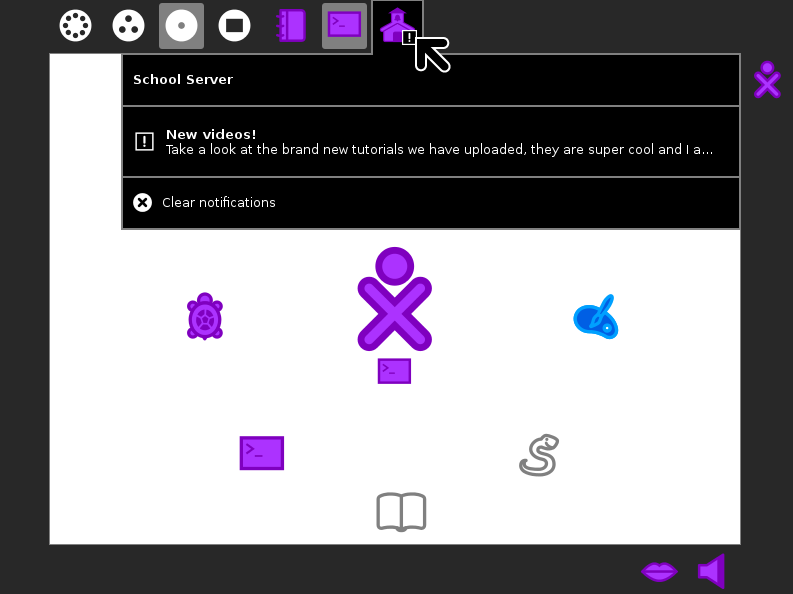
34 KB | SAMdroid (talk | contribs) | System notifications are given their own icon at the end of the frame. This icon has the [!] in the bottom left. Underneath there is the data and a dismiss button. | 1 |
| 17:01, 14 February 2014 | System notificaton pulsing.png (file) |  |
31 KB | SAMdroid (talk | contribs) | System notifications show in the top left corner too. They can have any icon they want. They still have the pulsing icon and the [!] in the bottom left. | 1 |
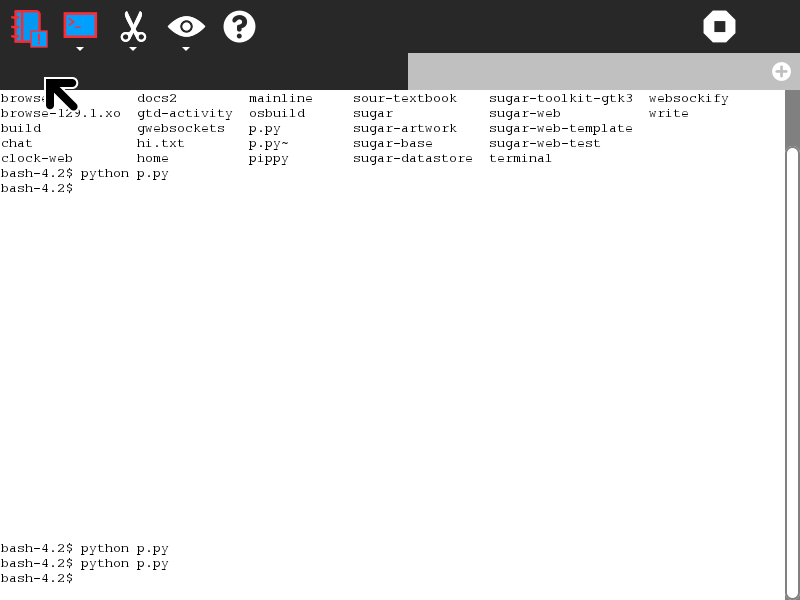
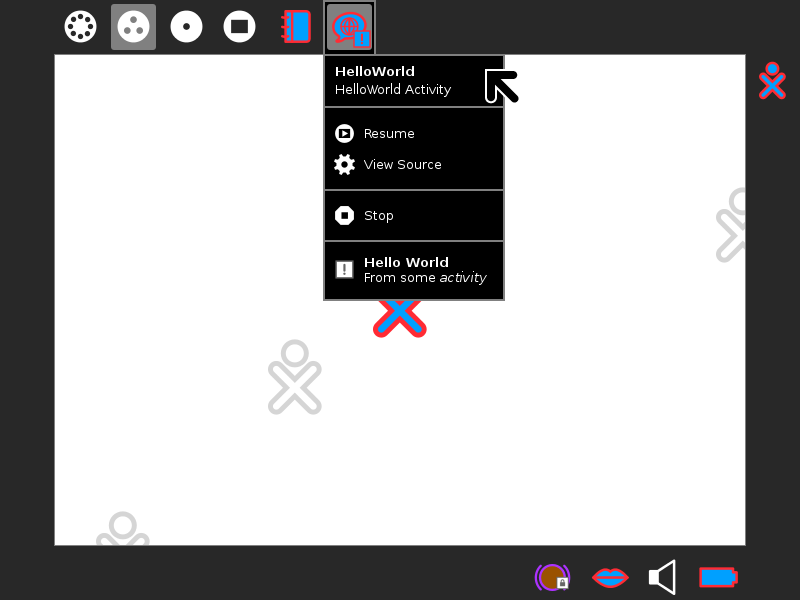
| 16:58, 14 February 2014 | Activity notification frame.png (file) |  |
35 KB | SAMdroid (talk | contribs) | The notification is then placed under it's activity in the frame. If an activity has notifications it has the [!] icon placed in the bottom left, just like the pulsing popup icon. The palette lists all the notifications below the stop button. Clickin... | 1 |