Activity/Gogo: Difference between revisions
< Activity
Created page with "This is a quick tour of the GoGo activity. More information will soon be added.<br><br> <br><br> <h1>Install & Launch</h1><br><br> File:gg-1-home-favs.png<br><br> <br><br> <h..." |
No edit summary |
||
| Line 1: | Line 1: | ||
This is a quick tour of the GoGo | ==Introduction== | ||
==Quick Tour== | |||
[[File:gg-1-home-favs.png]] | |||
This is a quick tour of the GoGo Activity, version 2. A new version is planned in the next few days so please check back soon. | |||
[[File:gg-connection-1.png]] | ===Install & Launch=== | ||
[[File:gg-connection-2.png]] | [[File:gg-1-home-favs.png]] | ||
===Plug In, Switch On & Connect!=== | |||
[[File:gg-console.png]] | |||
[[File:Gg-usb-board-tour.png]] | |||
[[File:gg-logo.png]] | [[File:gg-connection-1.png]] | ||
[[File:gg-connection-2.png]] | |||
[[File:gg-sensors.png]] | |||
===Console: Control & Monitor=== | |||
[[File:gg-upload-1.png]] | [[File:gg-console.png]] | ||
[[File:gg-upload-2.png]] | ===Logo Procedures=== | ||
[[File:gg-logo.png]] | |||
===Sensor Calibration=== | |||
[[File:gg-sensors.png]] | |||
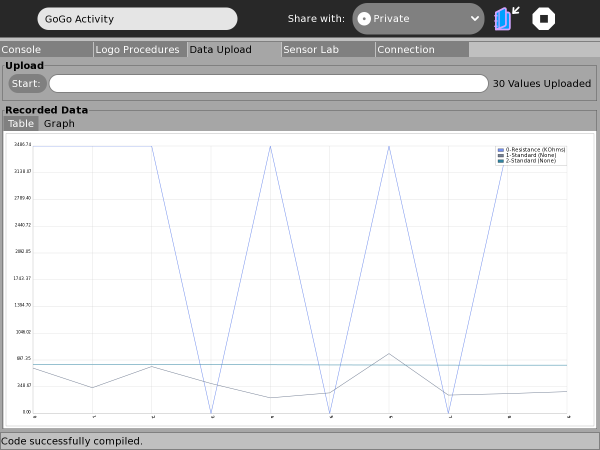
===Data Capture=== | |||
[[File:gg-upload-1.png]] | |||
[[File:gg-upload-2.png]] | |||
==Notes== | |||
===Failing To Connect=== | |||
===Upcoming Changes=== | |||
==Further Information== | |||
[1] [http://gogoboard.stanford.edu/ Main GoGo-Board Website] | |||
[2] [http://br-gogo.sourceforge.net/ Br-GoGo Project Website | |||
Revision as of 05:41, 17 January 2011
Introduction
Quick Tour
This is a quick tour of the GoGo Activity, version 2. A new version is planned in the next few days so please check back soon.
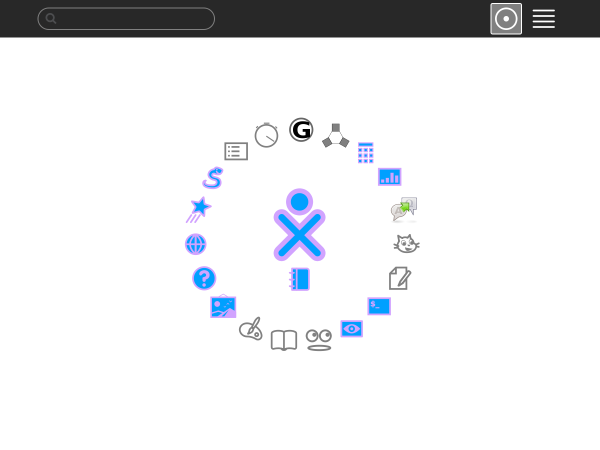
Install & Launch

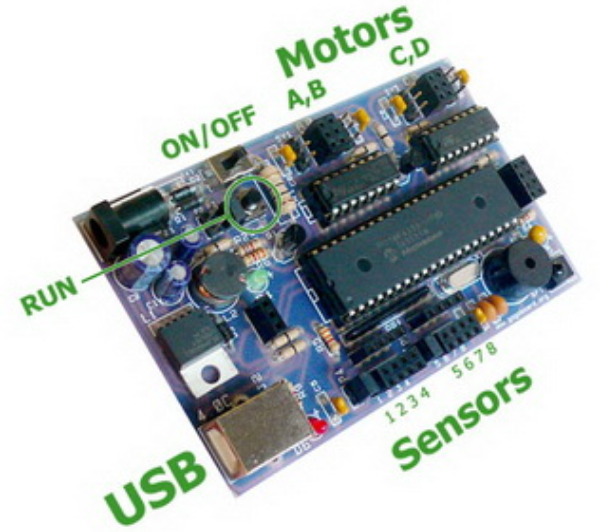
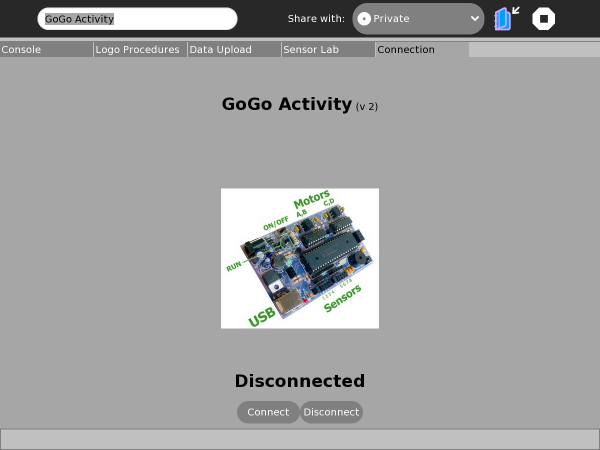
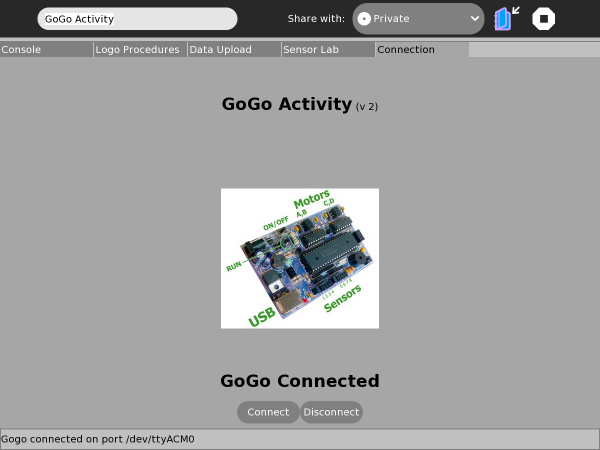
Plug In, Switch On & Connect!



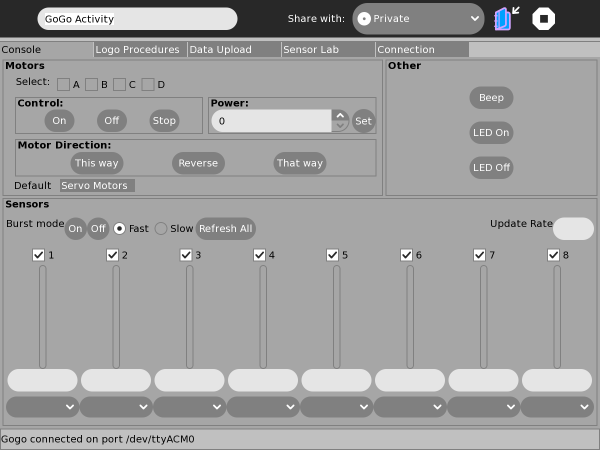
Console: Control & Monitor

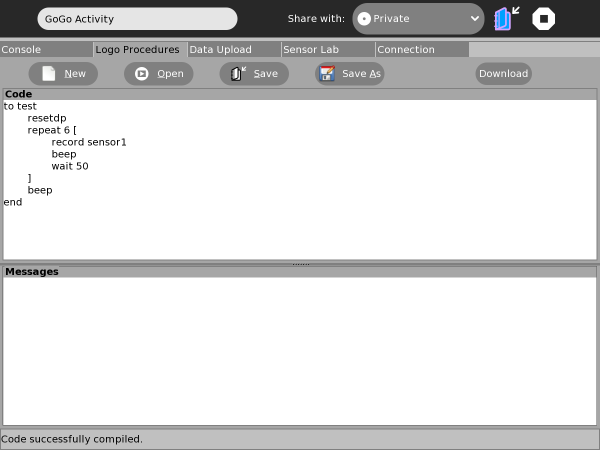
Logo Procedures

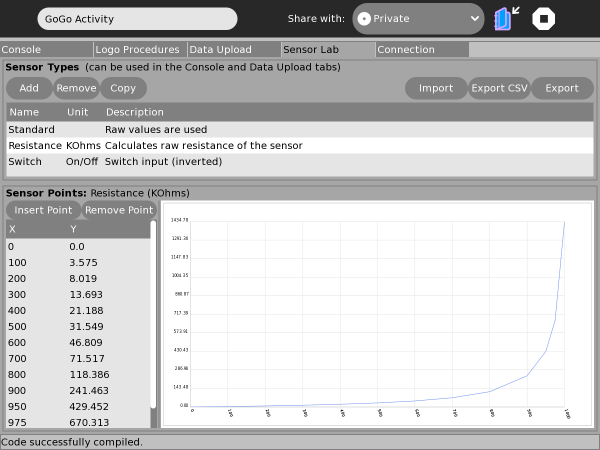
Sensor Calibration

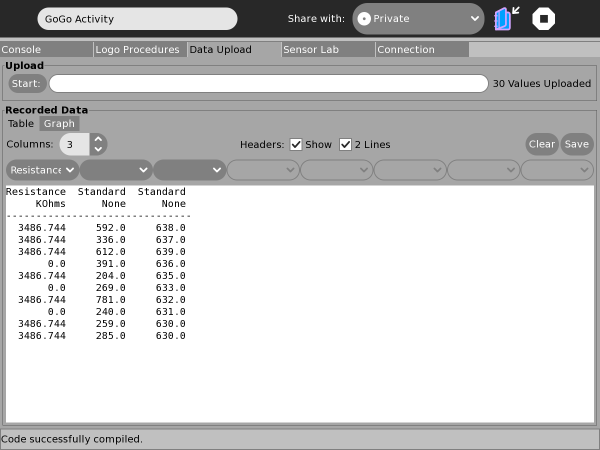
Data Capture


Notes
Failing To Connect
Upcoming Changes
Further Information
[2] [http://br-gogo.sourceforge.net/ Br-GoGo Project Website