Tutorials/Installation/Install SoaS in VirtualBox-f18: Difference between revisions
| Line 15: | Line 15: | ||
===Anaconda main Hub=== | ===Anaconda main Hub=== | ||
*[[File:F-18-12-main_anaconda_hub.png]] | *[[File:F-18-12-main_anaconda_hub.png]] | ||
===Disk Selection then [DONE]=== | ===Storage (Disk Selection) then [DONE]=== | ||
*[[File:F18-13-disk.png]] | *[[File:F18-13-disk.png]] | ||
===Time Zone select and [Done]=== | ===Time Zone select and [Done]=== | ||
*[[File:F18-15-TZ.png]] | *[[File:F18-15-TZ.png]] | ||
Revision as of 20:43, 27 November 2012
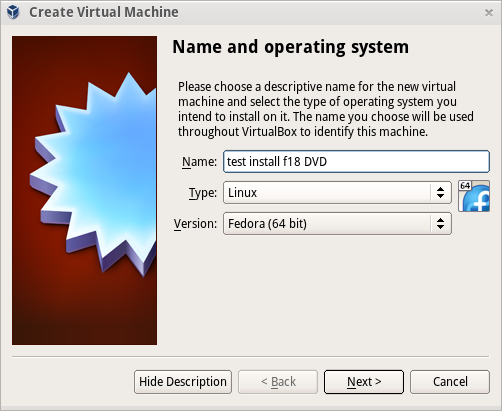
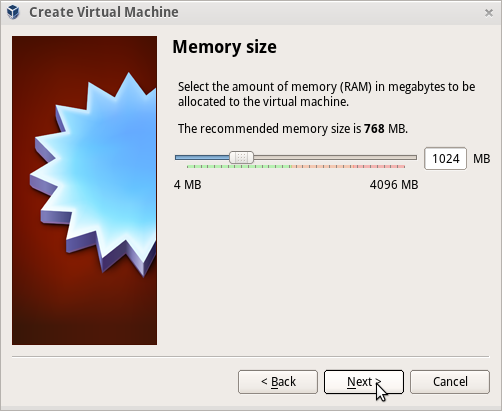
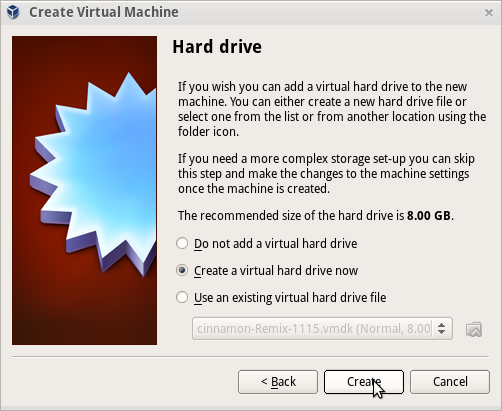
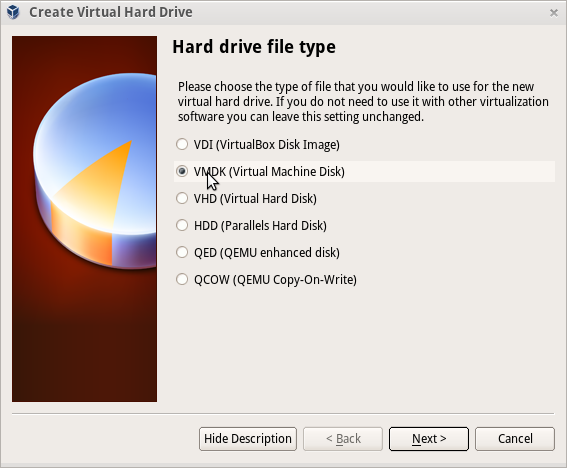
Install_SoaS_in_VirtualBox-with Anaconda f18
- Sample Install to Virtualbox 4.2.4 using F18 Beta DVDx86_64